
How to Install Your Gradient All-Weather 120V Heat Pump: A Step-by Step Guide
Welcome to the Gradient family! We’re thrilled to help you bring year-round comfort to your space with the All-Weather 120V window heat pump. Here’s your go-to guide, complete with reminders, best practices, and tips to keep things simple for your in-home installation. Quick Note: This system is designed with simple in
Welcome to the Gradient family!
We’re thrilled to help you bring year-round comfort to your space with the All-Weather 120V window heat pump.
Here’s your go-to guide, complete with reminders, best practices, and tips to keep things simple for your in-home installation.
Quick Note:
This system is designed with simple installation in mind, so no drilling or permits are needed. Two non-HVAC professionals can finish installation in less than 1 hour!
Step #1: Total Installation of your All-Weather 120V window heat pump
Once you place your order, your unit(s) will arrive on a pallet that weighs approximately 215 lbs. Many customers find it easiest to unpack the unit before entering the home or space for installation.
Prior to installation, here is what you can expect with your shipment, as well as a graphic depicting what is included in your purchase:
We recommend focusing on installing the install bracket before moving the All-Weather 120V in place.
Once the bracket is set up, you will want to prepare the All-Weather 120V unit for installation with a partner.
Now that your unit is installed, you will need to seal and insulate the window.
IMPORTANT!Don’t forget to install the white sealing tape above the sealing blocks (shown below).
Other Helpful Links:
-Installation, operation, and maintenance manual
Step #2: Connecting Your Unit to the Gradient App and WiFi
At this point your unit is secure and installed. Now, it’s time to connect to the Gradient App and bring your smart heat pump to life:
1. Download the Gradient App from your favorite app store.
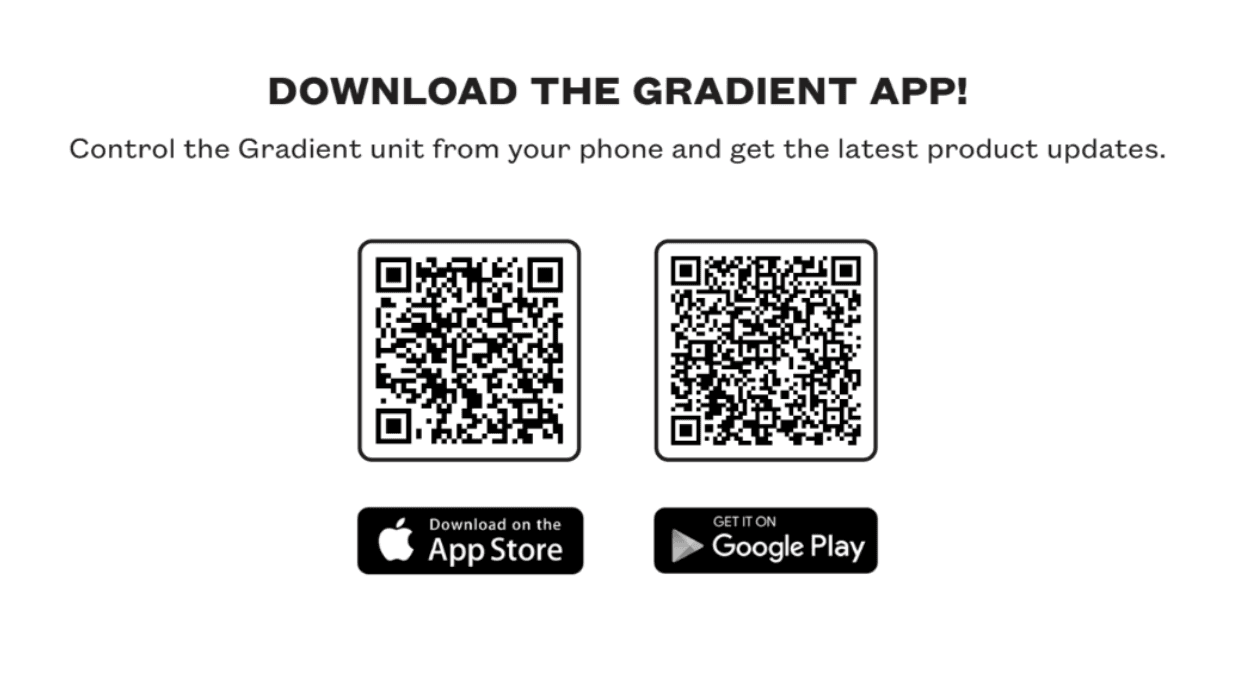
2. Follow the on-screen steps to pair your unit via WiFi.
3. Test connectivity and explore controls for temperature setpoint, scheduling, and more.
Having trouble? Email us athello@gradientcomfort.com.
Step #3: Operating your Gradient
Everyday Comfort Made Easy:
- Adjust settings of your Gradient with the UI touch dial, remote control, or app.
- Check out theUI operation videobelow for more information
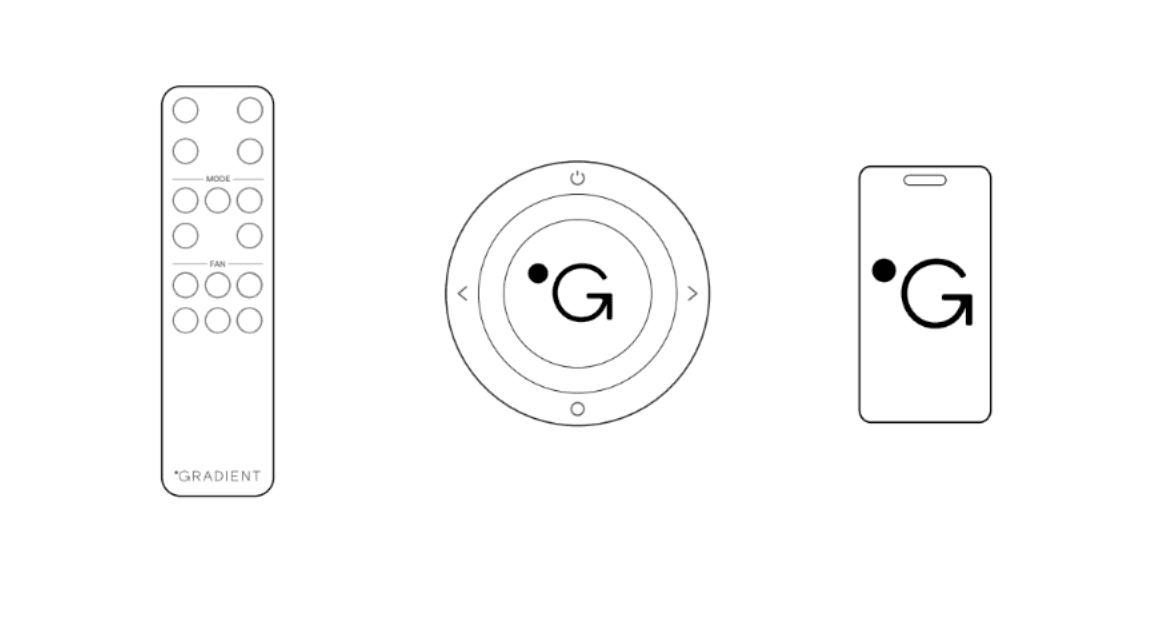
- Adjust settings with the onboard touch screen, remote control, or app.
Step #4: Register your Gradient under warranty
Protect your investment by registering your unit. It’s quick and ensures coverage for any unlikely issues:
- Sign up online:Warranty Registration Form
- Need help? Email us athello@gradientcomfort.com.
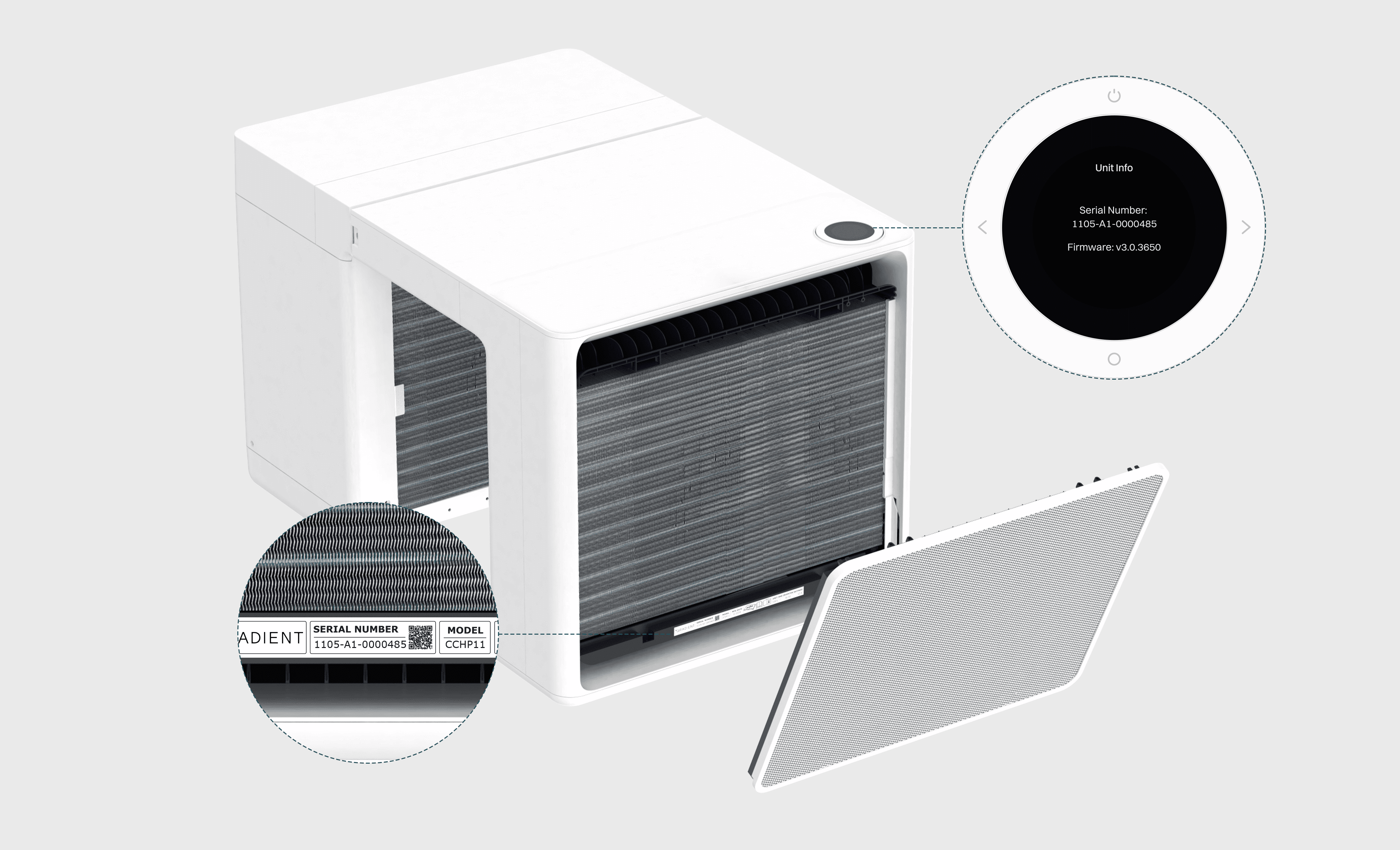
Lastly, from modern design to smart controls, the All-Weather 120V is built to keep you comfortable, reduce energy bills, and simplify your life.
If you have questions, our support team is just a click away!
Back to Blogs